
Thank you to everyone who entered such fantastic photos in our weekly iPhone photography contest. This week’s theme was “Motion” and any photos that capture movement in a scene could be submitted. Some of these photos capture the subject’s movement frozen in time, while others show wonderful motion blur. Here are my favorite iPhone photos from this week’s contest.
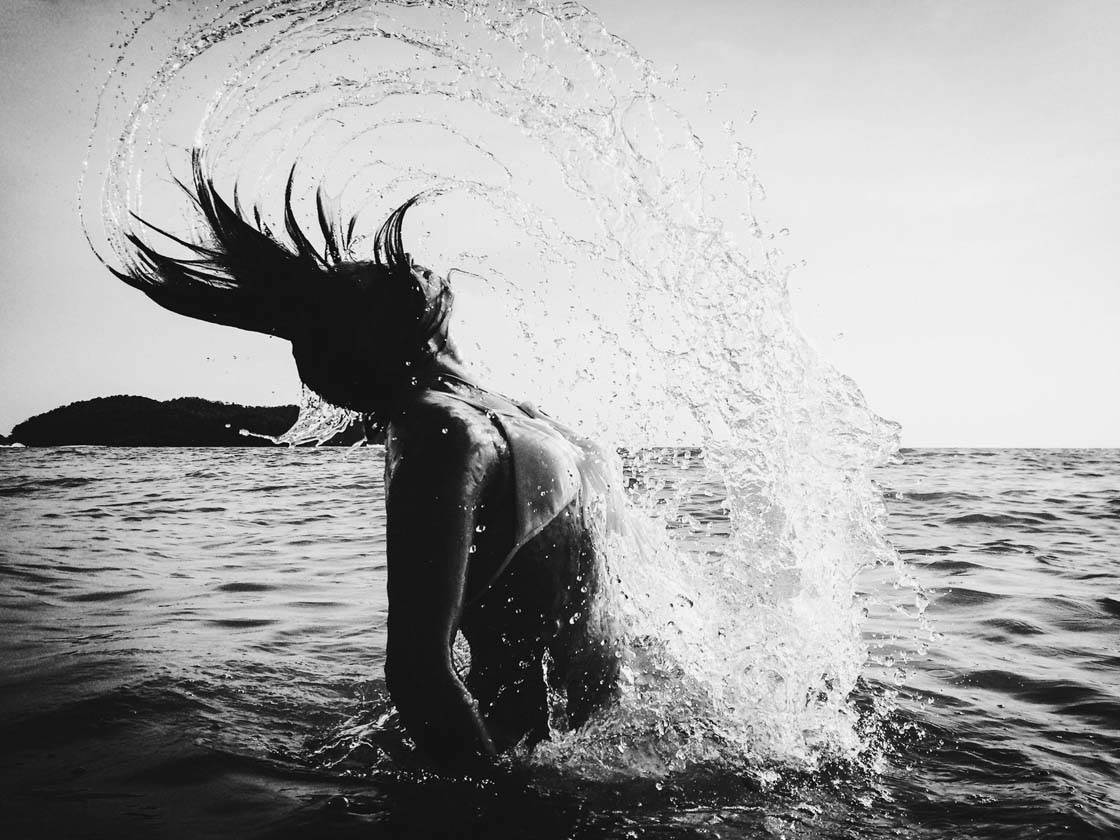
@theskyinside
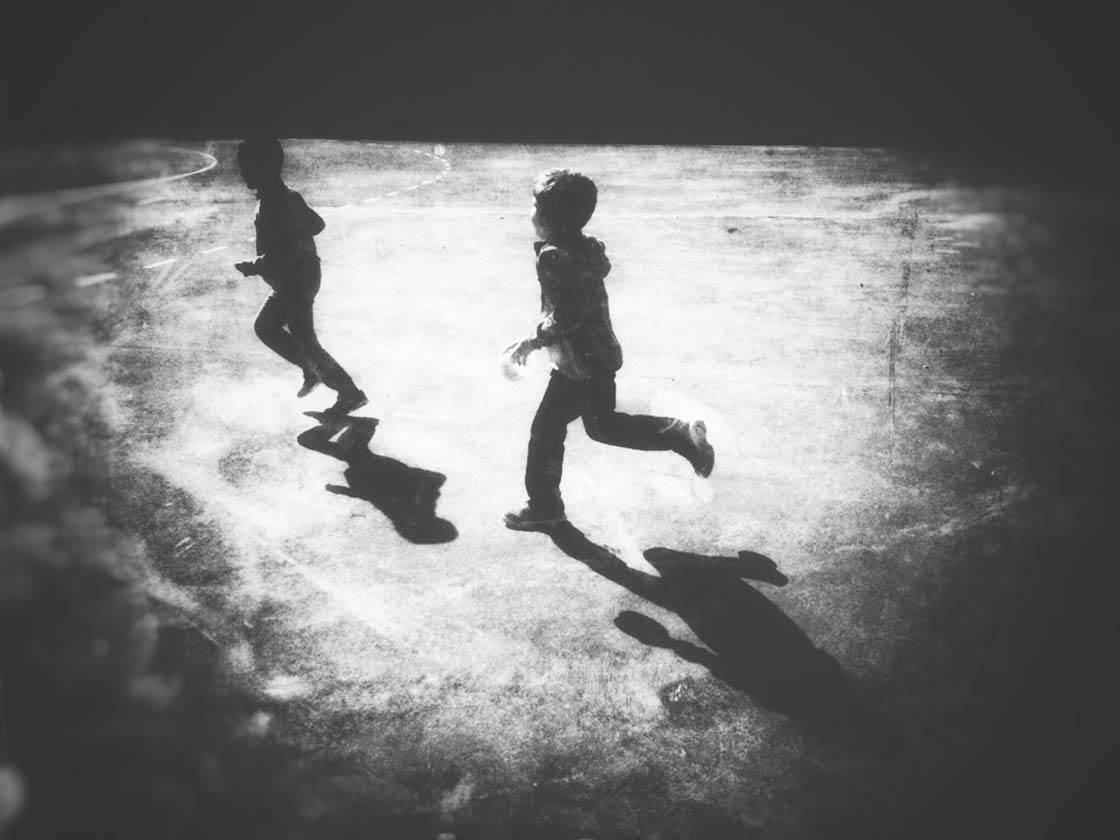
@agatesas

@brittlholman

@Cachorro12

@carlpeterson
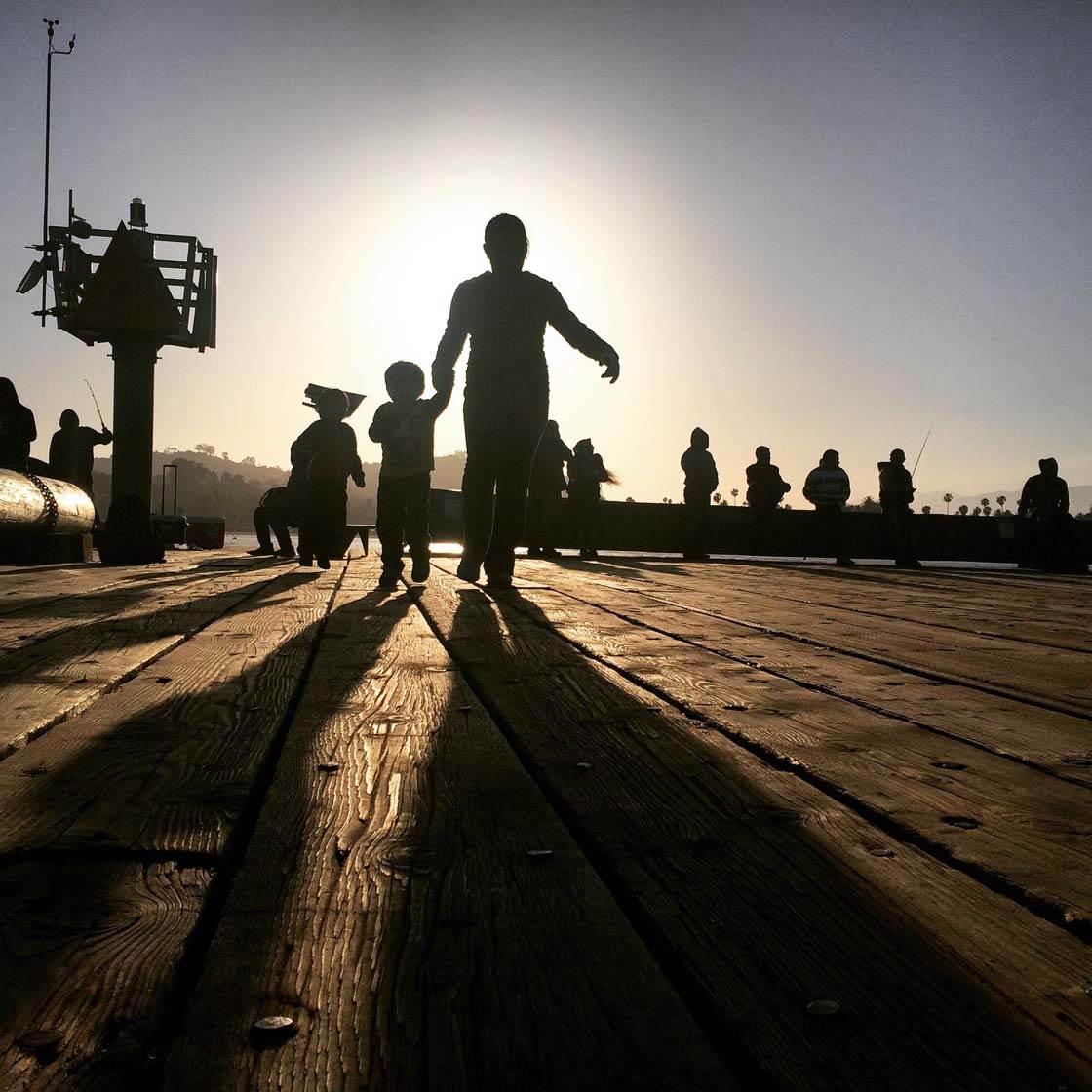
@Catchmeif_u_can
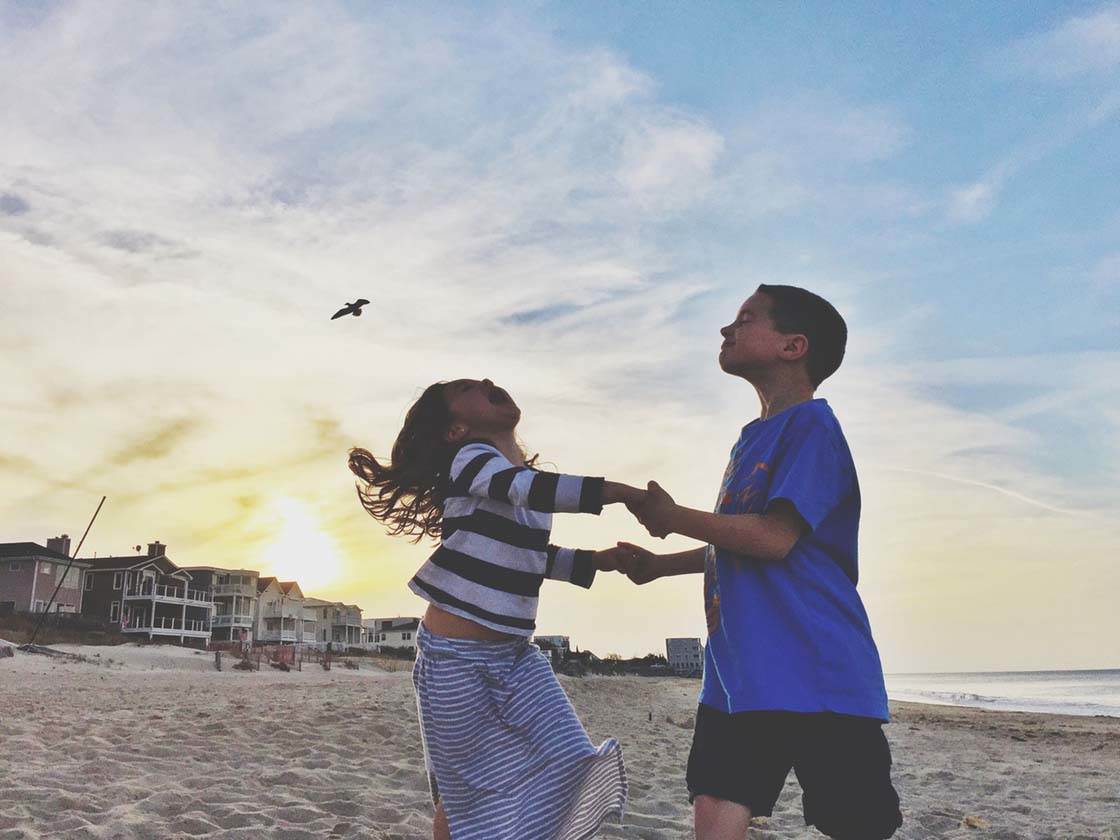
@CJPHomes
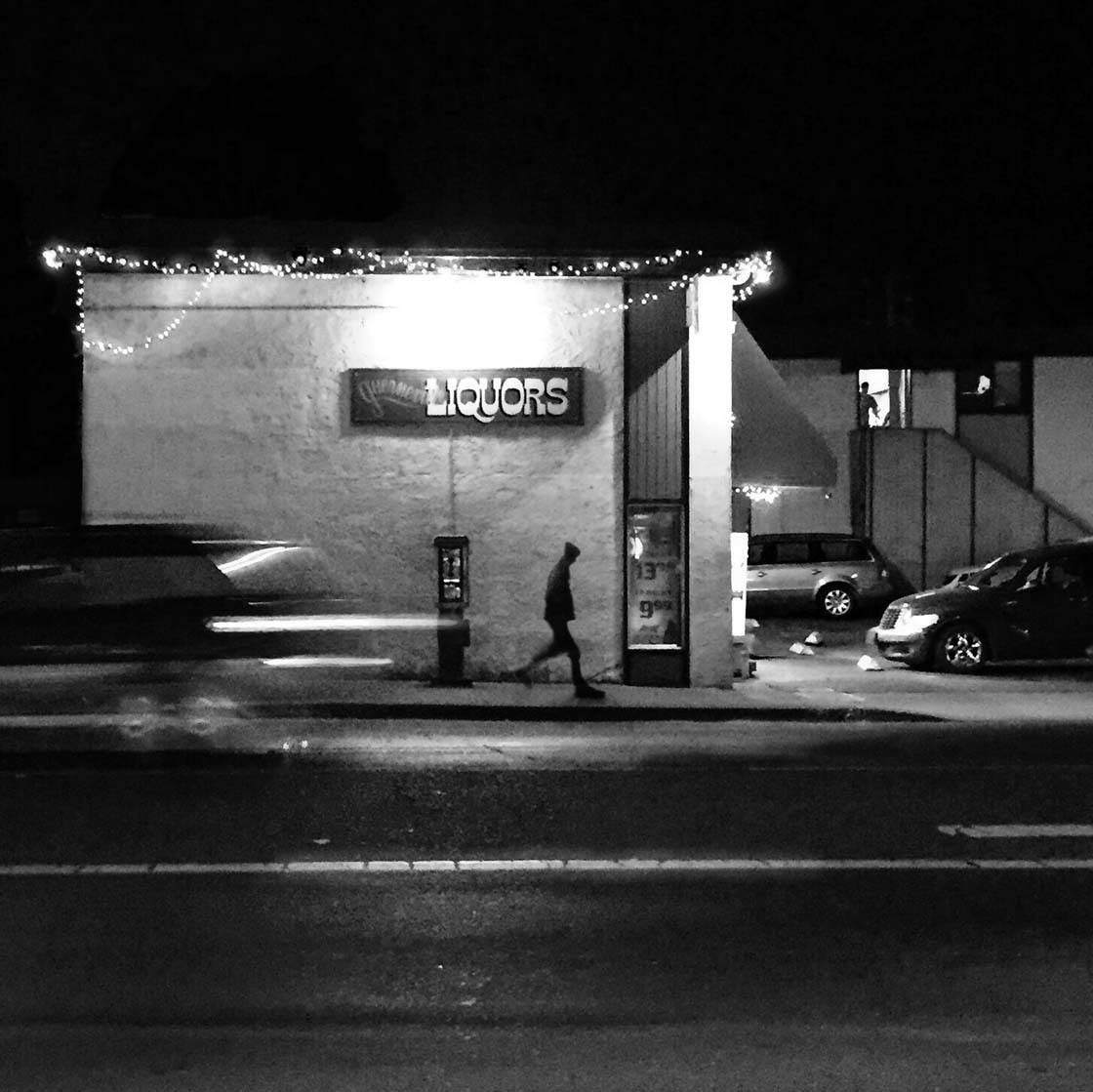
@DanielJamesTCook
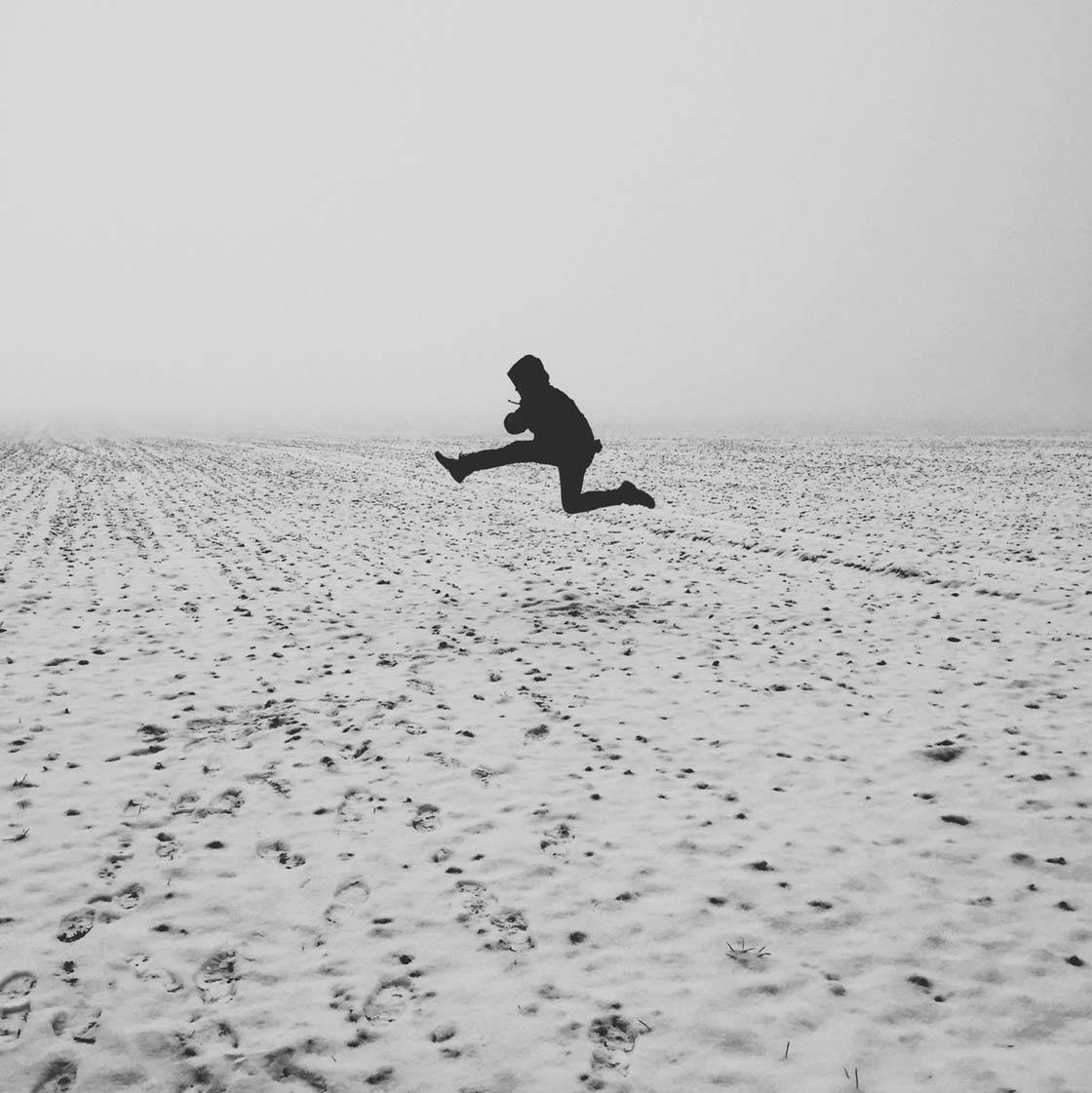
@darom77

@elizabadoiu

@evsila
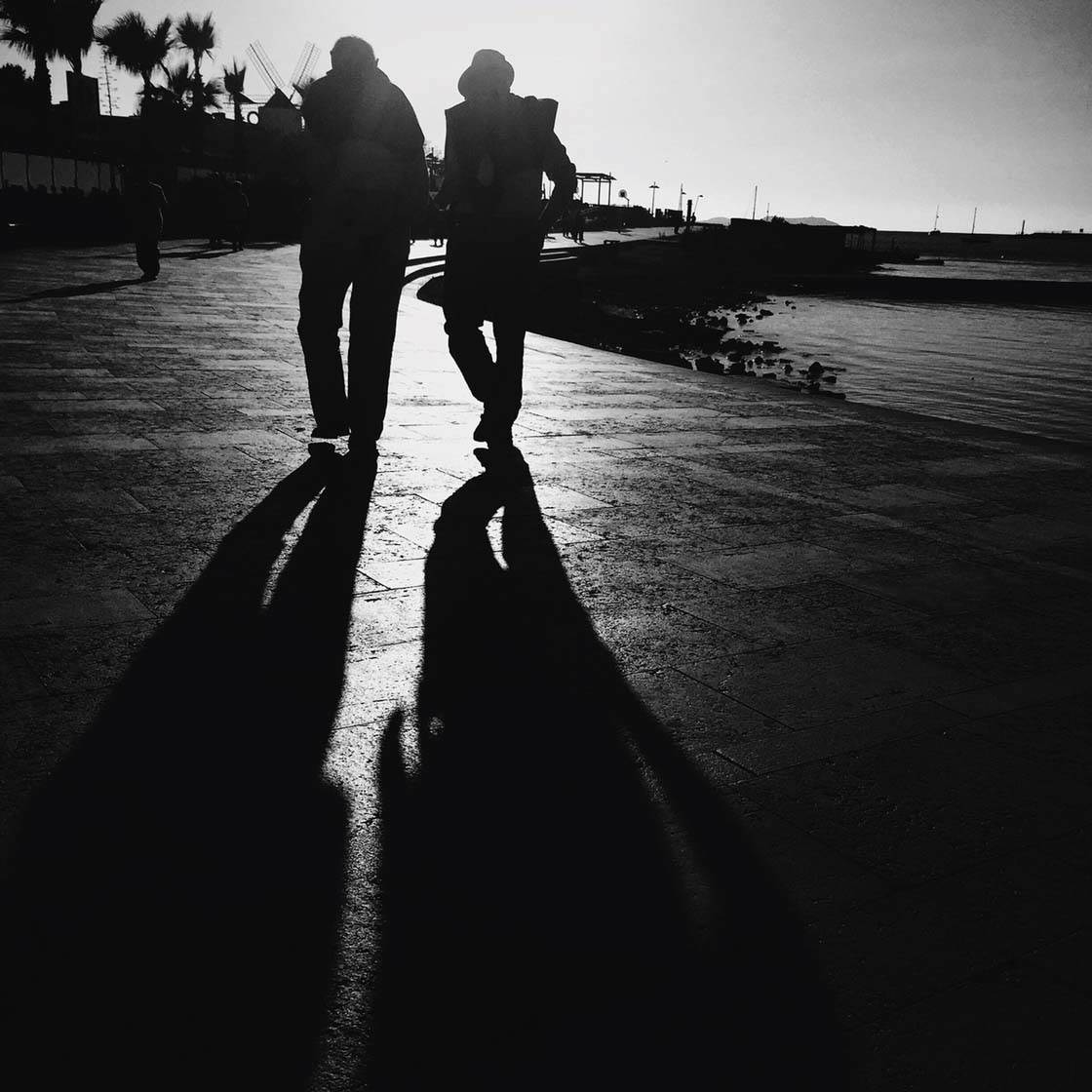
@Gal0611
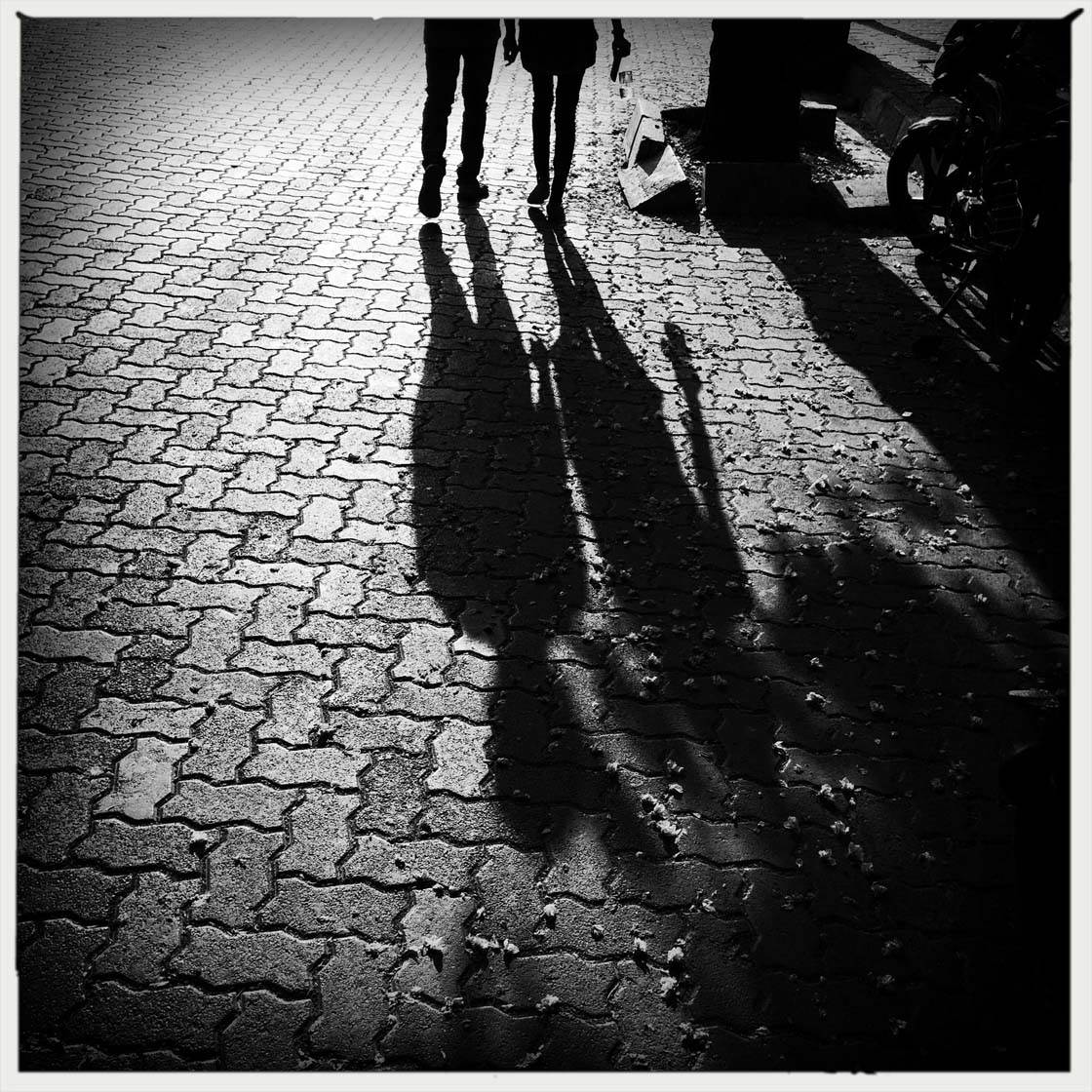
@Indiahardik08

@jeremyss
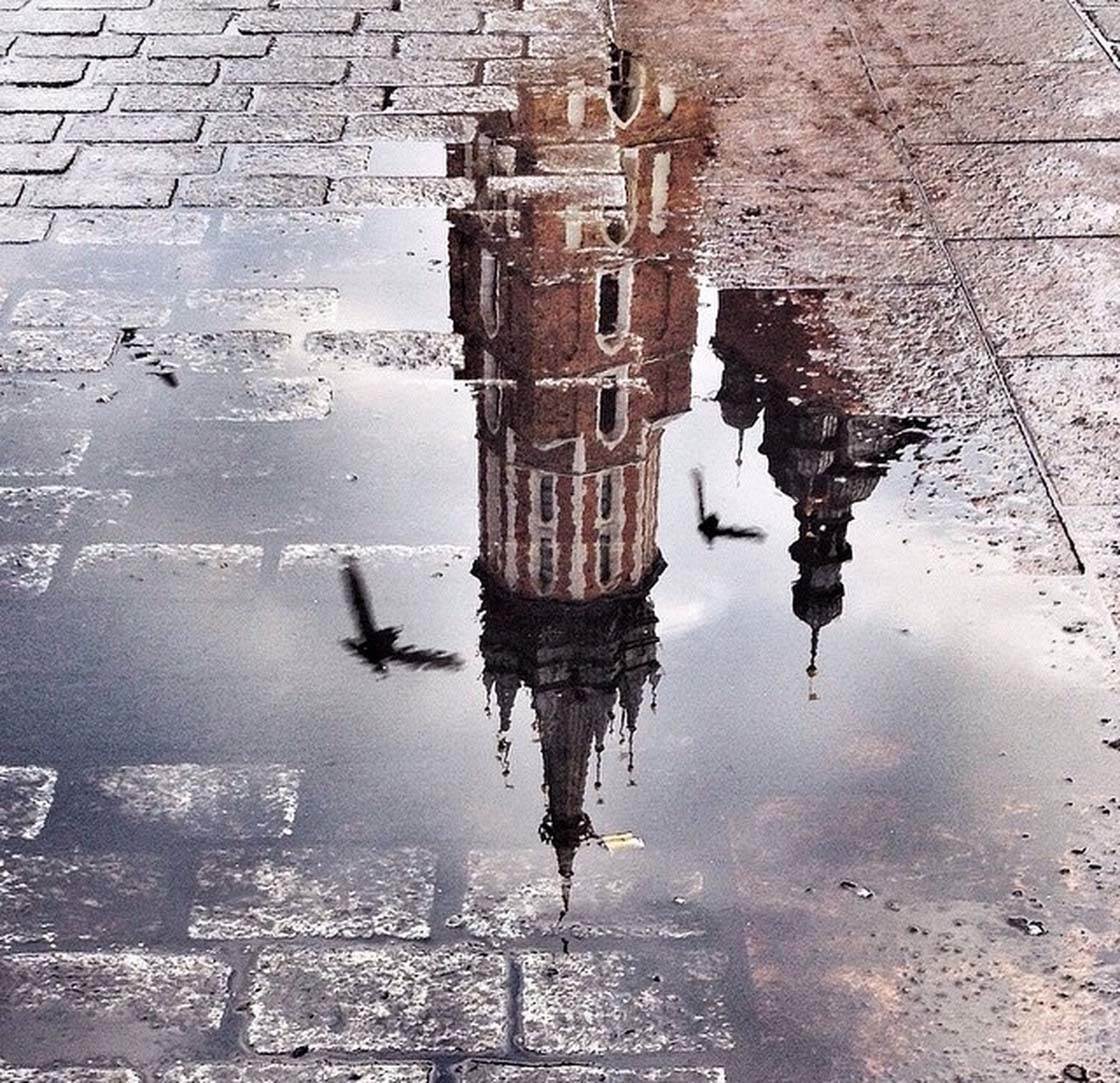
@karolina_luszcz
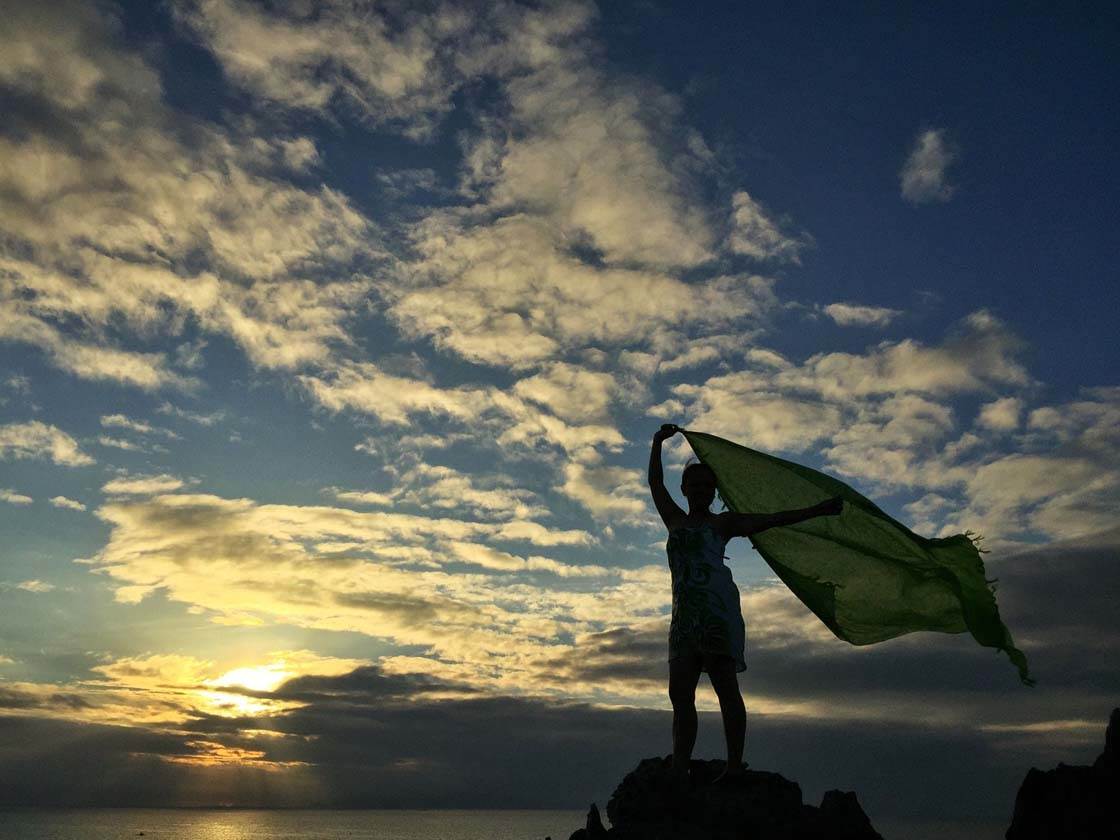
@kokeysian
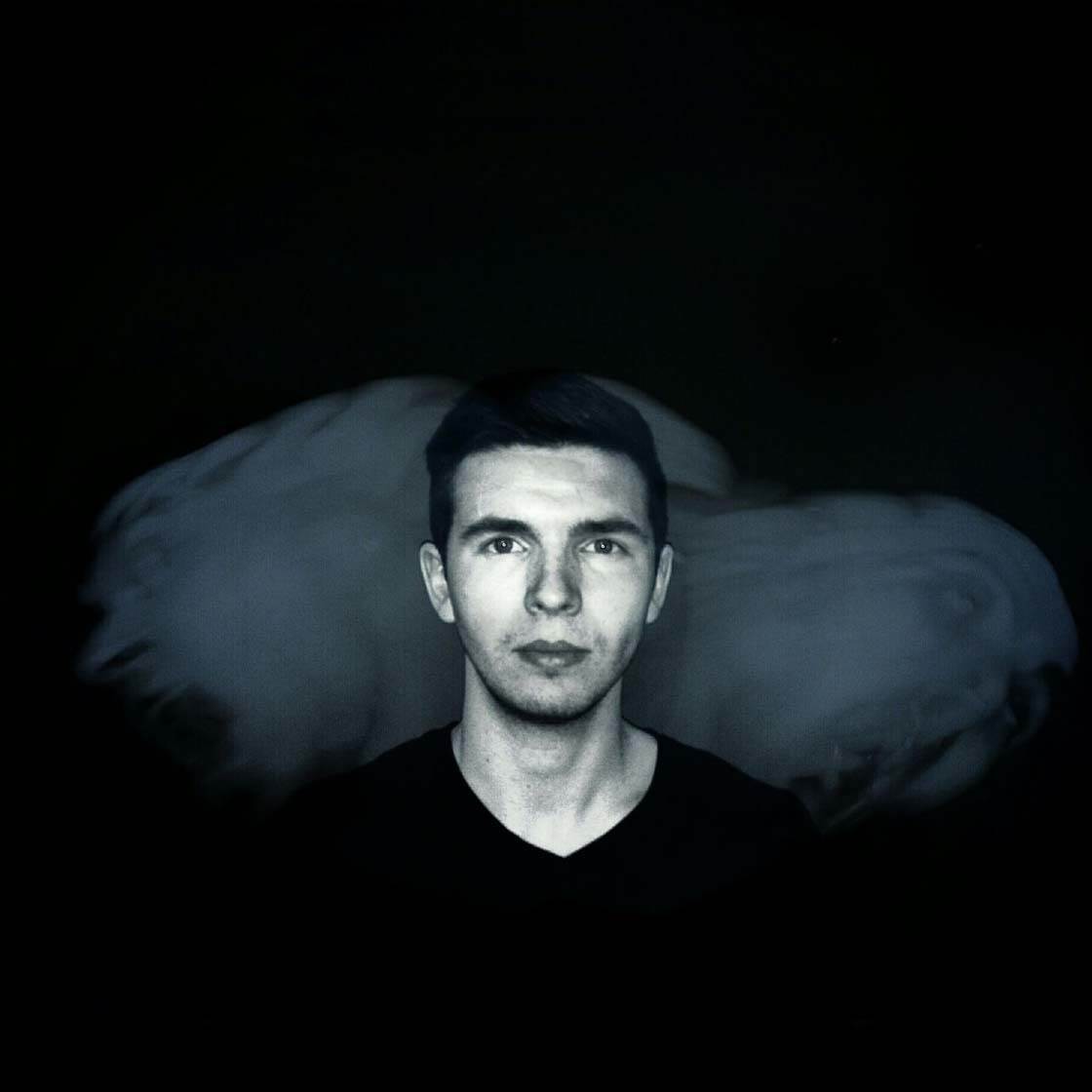
@matNowy
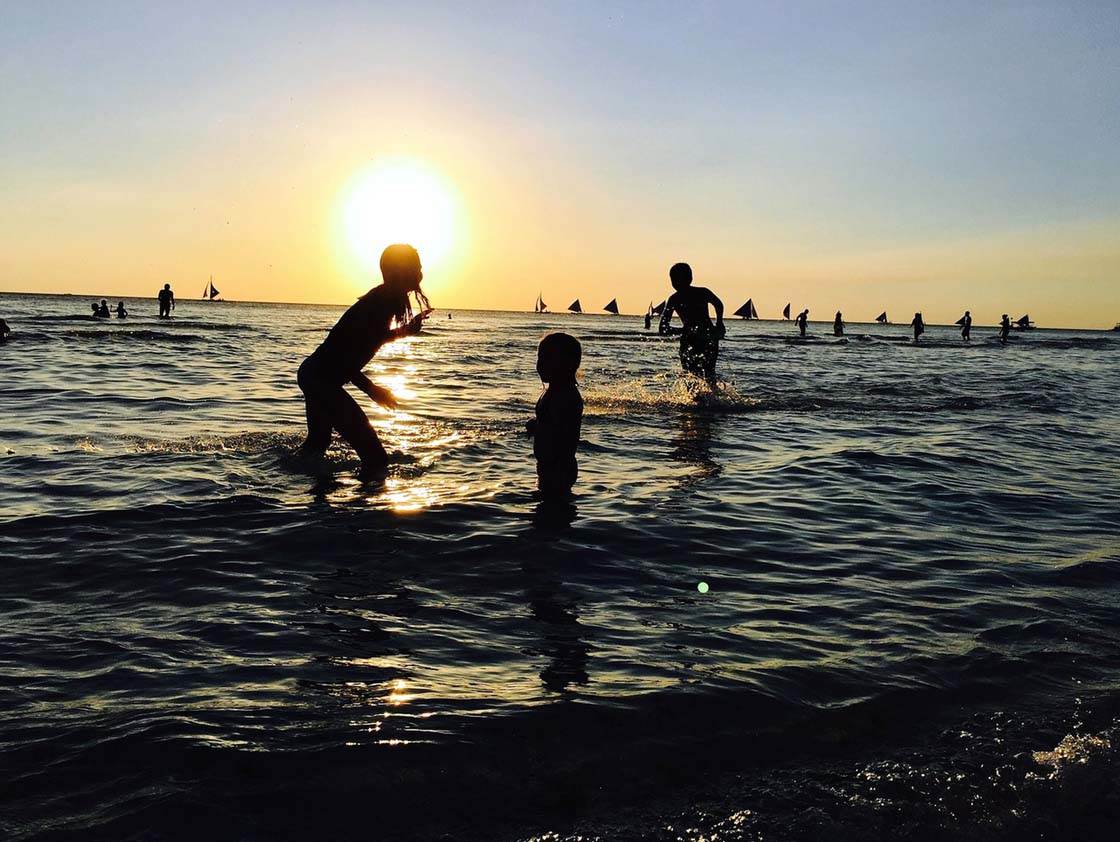
@MilanoRL

@mpyqa
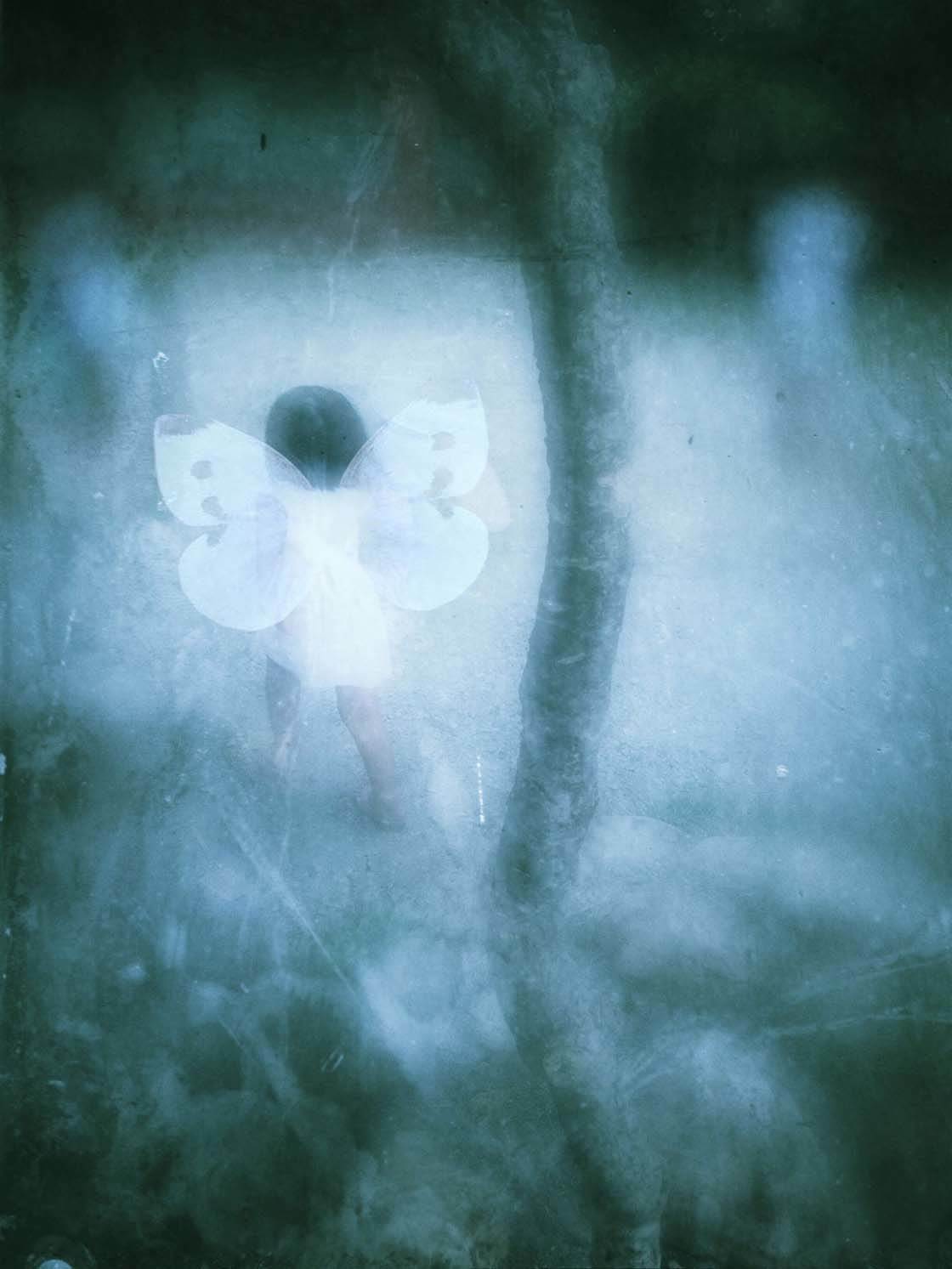
@rheythm
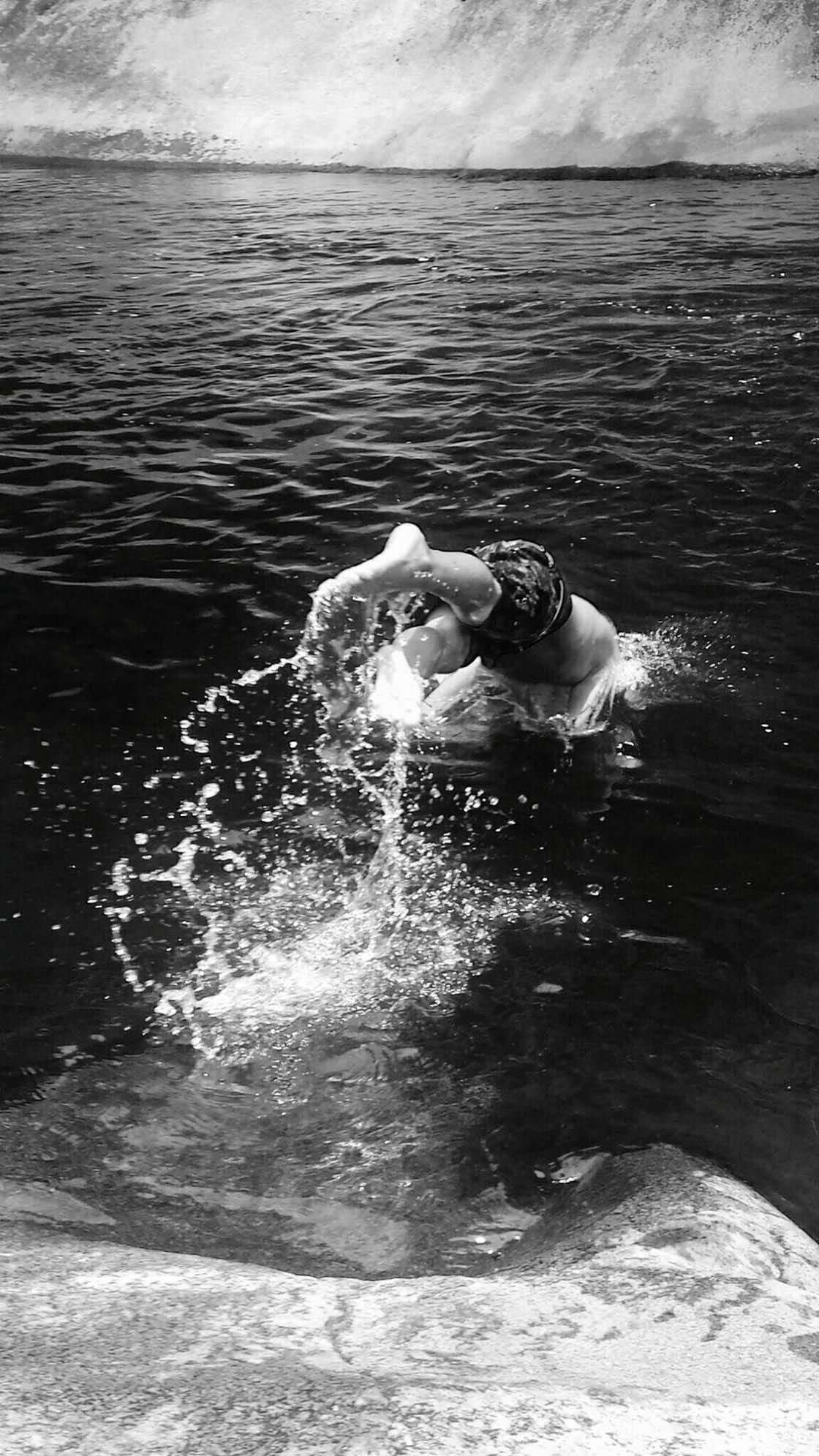
@seattleapple13
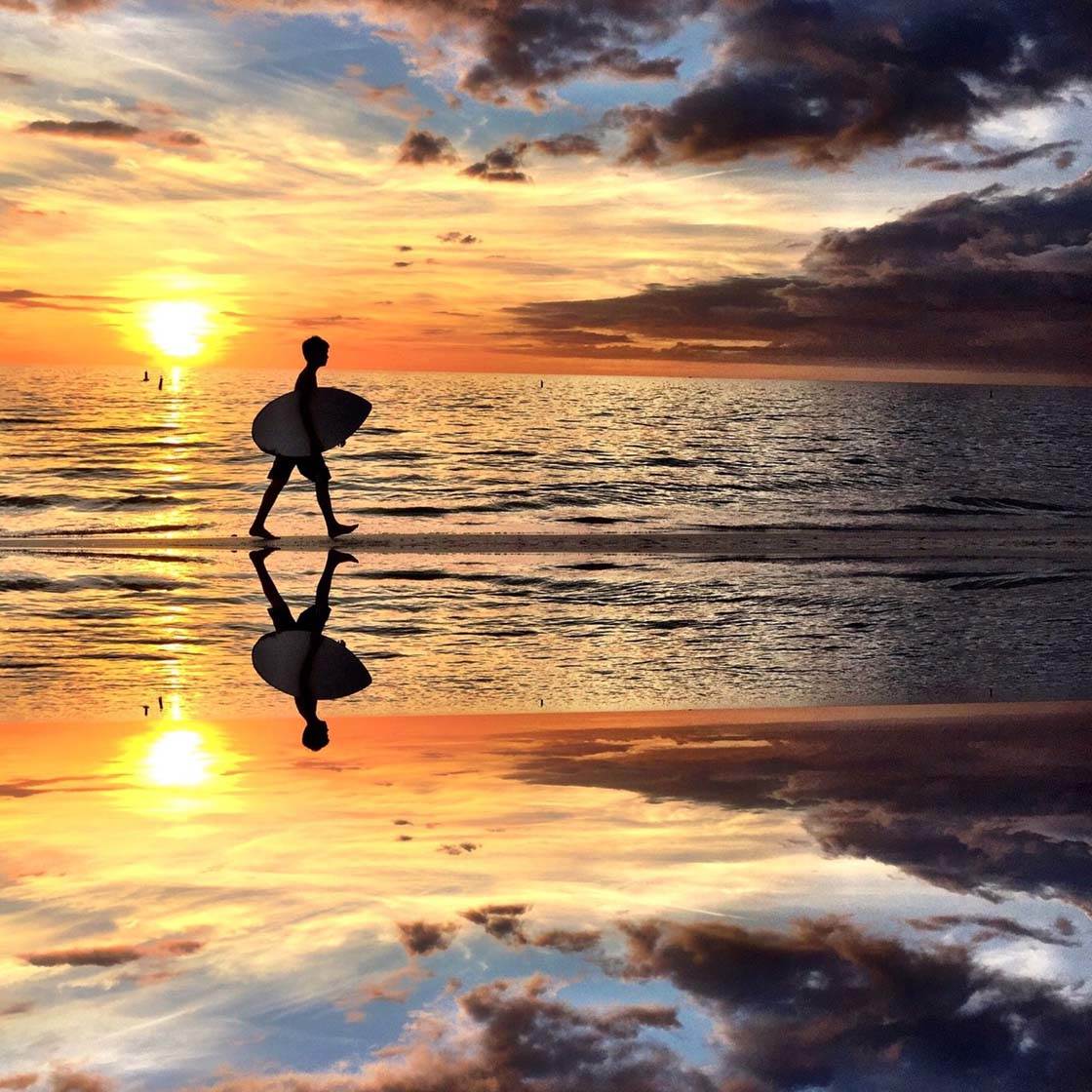
@shodges36
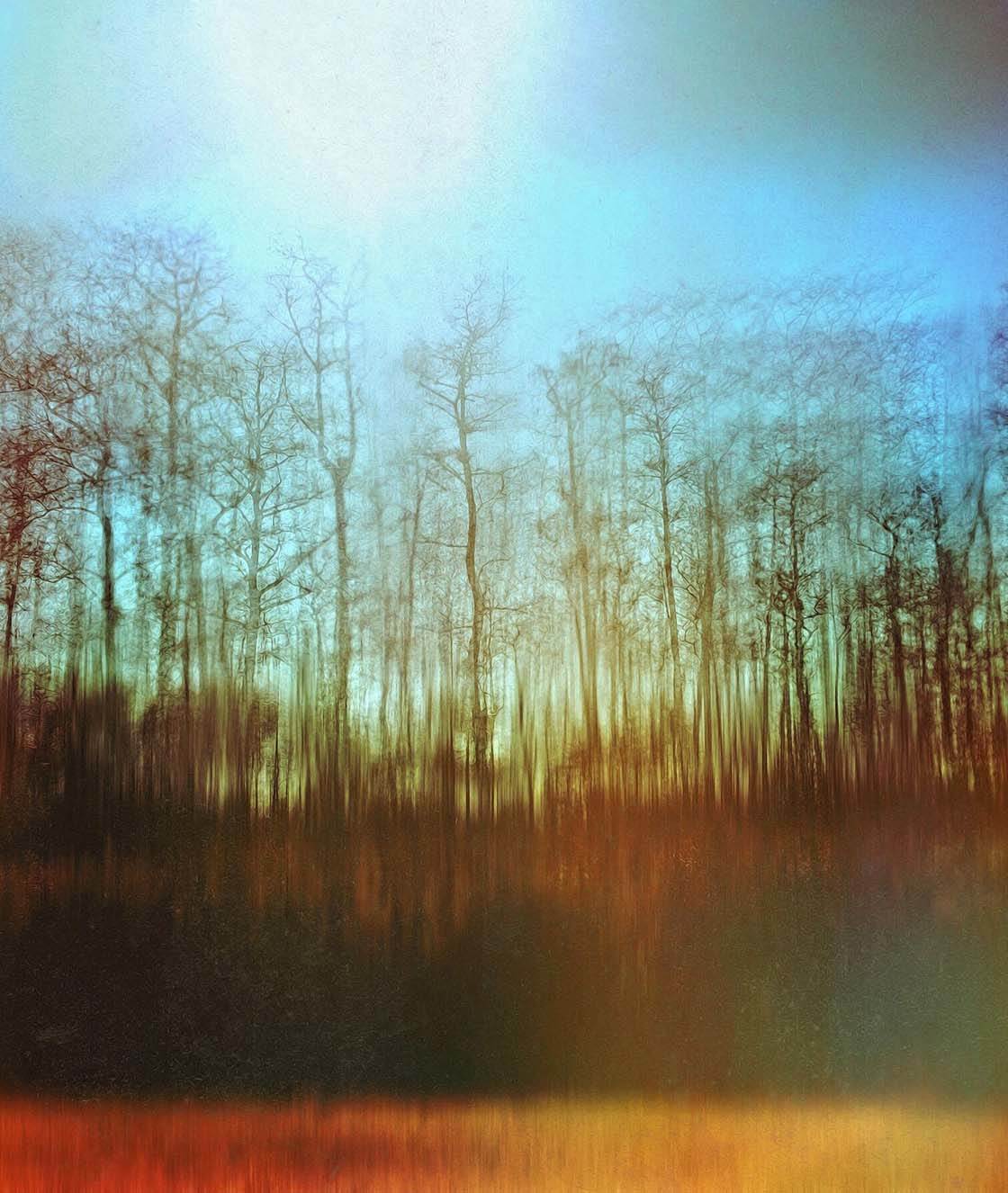
@stellaoliver18

@sunflowerof21

@szklanowski

@theskyinside

@tom3cki

@tomy_foto
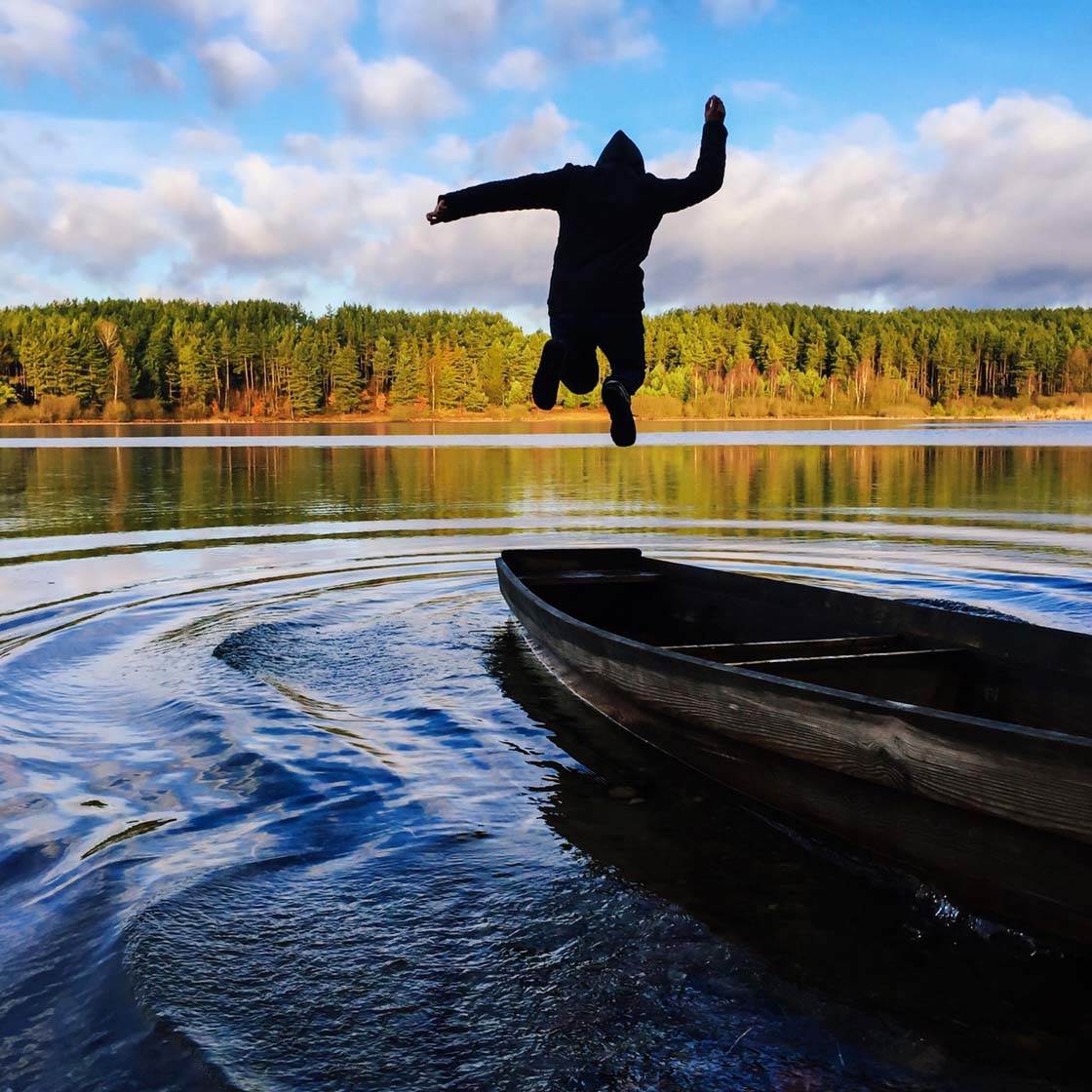
@vollygda
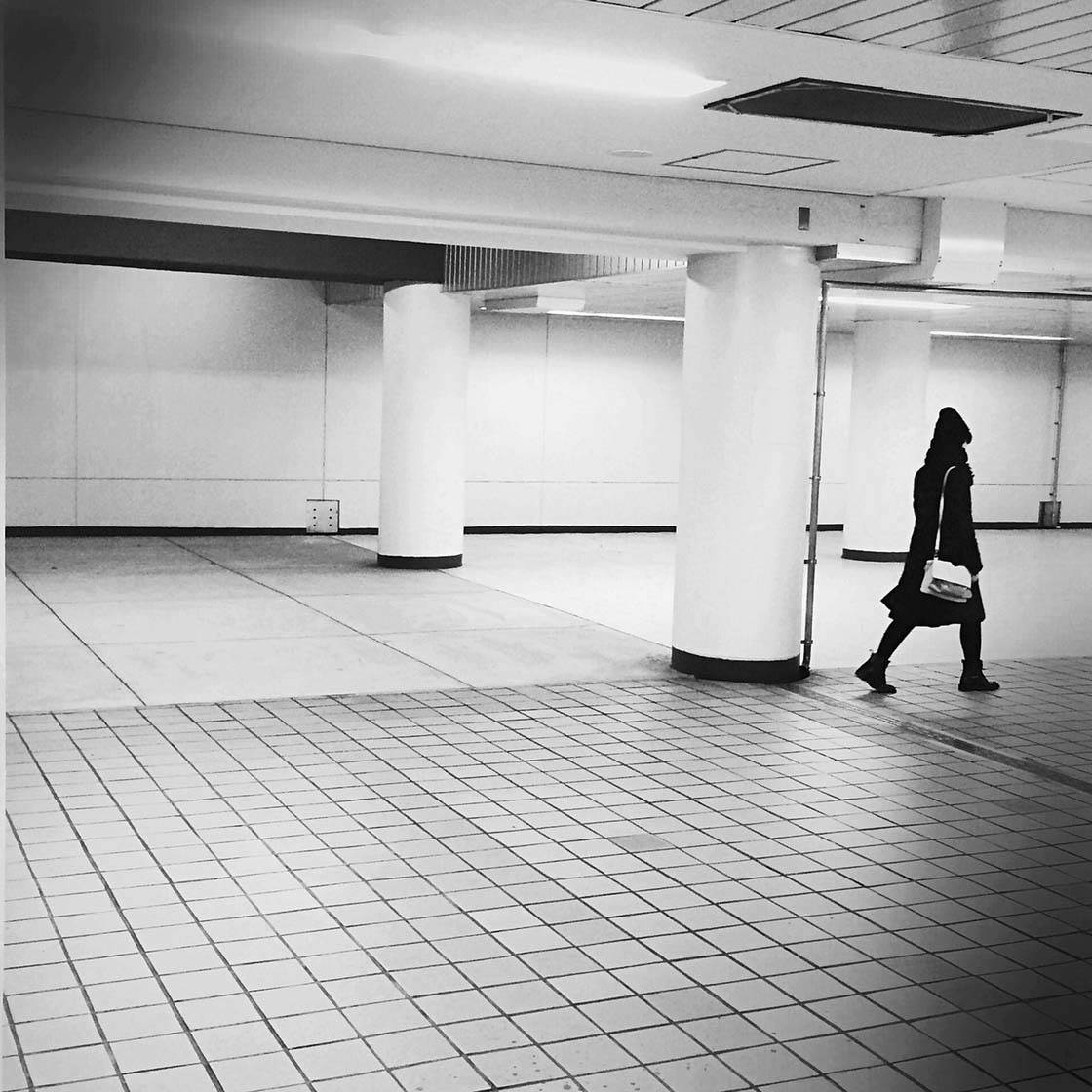
@yoshiboworks
Which one of these photos is your favorite? Please let everyone know in the comments!
How to Enter the Next Photo Contest
Last week we published a tutorial with tips on how to use color more effectively in your iPhone photos.

The article explored how different colors, and combinations of color, affect the mood of your photo and evoke different emotions in the viewer.
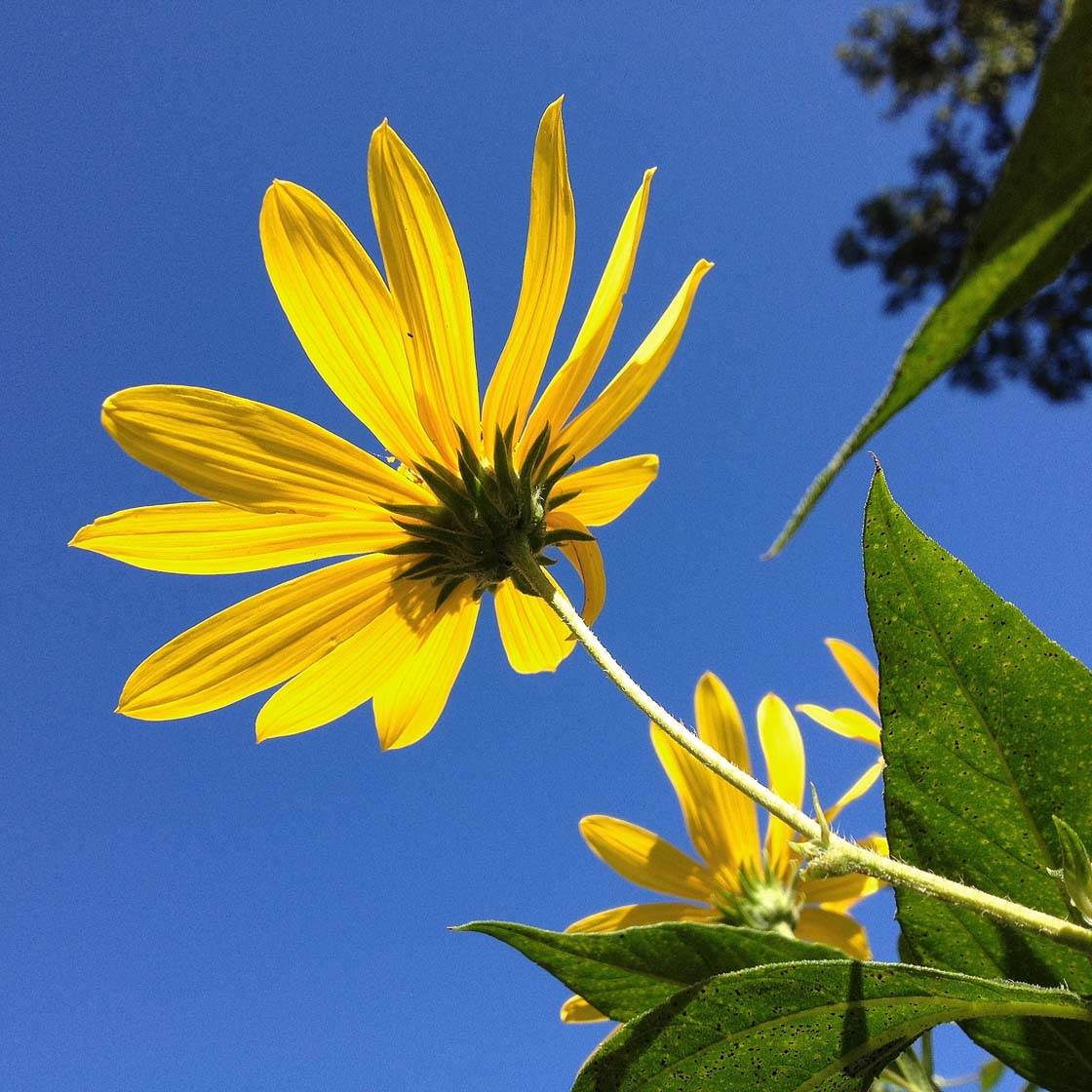
Part of the article discussed the use of vibrant and contrasting colors to create vivid and exciting iPhone photos. So the new contest theme is Vibrant Colors, and any iPhone photos that feature vivid, vibrant colors can be submitted.
To participate, simply tag your iPhone photos using IPSVibrant tag on EyeEm. You can tag photos in the description field when you upload them, or when you edit the description of a photo that has already been uploaded (tap the three dots icon to edit a photo).
All photos must be shot and edited on iPhone, iPad or iPod touch. Please upload photos to EyeEm in full resolution and without any watermarks to make sure we can feature them on the website. Please do not submit more than 10 photos each week.
The submission deadline is Sunday, May 3.
